CD Wally app icon CD Wally

Music used to be something you could hold.

CD Wally brings the CD wallet to Apple Music. Pick the albums you love from the whole catalog, flip through them, and hear each one front to back. No algorithm, no suggestions, just the albums you chose.

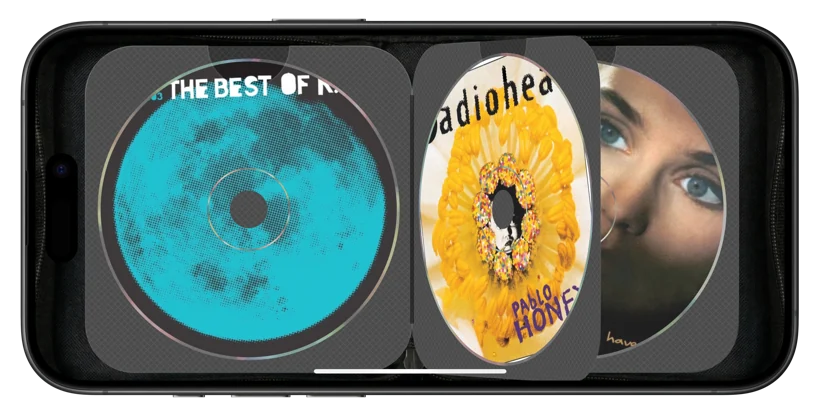
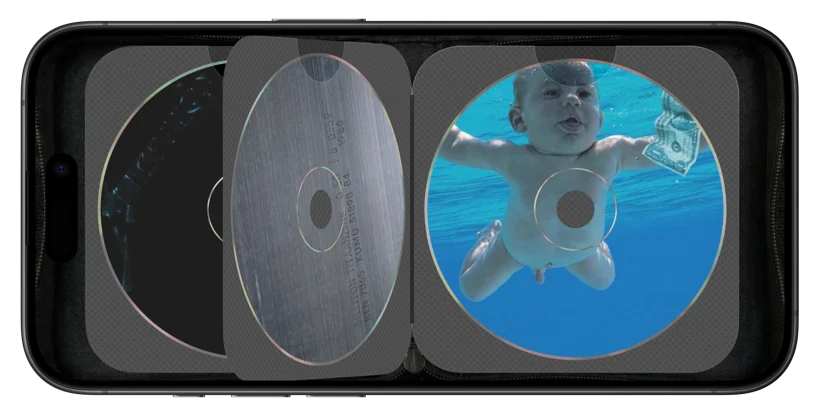
The CD Wally wallet on an iPhone: album discs in translucent woven sleeves, mid page-flip.
Download on the App Store

Free on the App Store. Requires Apple Music.
The problem with infinite

A hundred million songs, and nothing to play.

Streaming gave you everything and made all of it feel the same. You scroll, you shuffle, you let the algorithm decide. The album, the thing you used to sit with front to back, quietly disappeared.

And in the car it's worse. You're poking at a catalog at 65 miles an hour when all you wanted was the record you already had in mind.

The wallet

The albums you love, back in a wallet you flip through.

Pick the albums you love from anywhere in Apple Music and they line up as discs in a wallet you flip through. Tap one and it plays front to back, the way it was meant to be heard. No algorithm, no suggestions, just the records you chose.

The CD Wally wallet on an iPhone: album discs in translucent woven sleeves, mid page-flip.
Close detail of CD Wally on an iPhone: a disc mid-spin in its woven sleeve, page flipping.

The details

Sweated so it feels like nothing.

The discs spin up and then play at constant linear velocity, exactly like a real CD player. The sleeves have the woven texture of the ones you kept in the door pocket. The pages flip. None of it is strictly necessary.

That's sort of the point.

In the car

Then you get in the car.

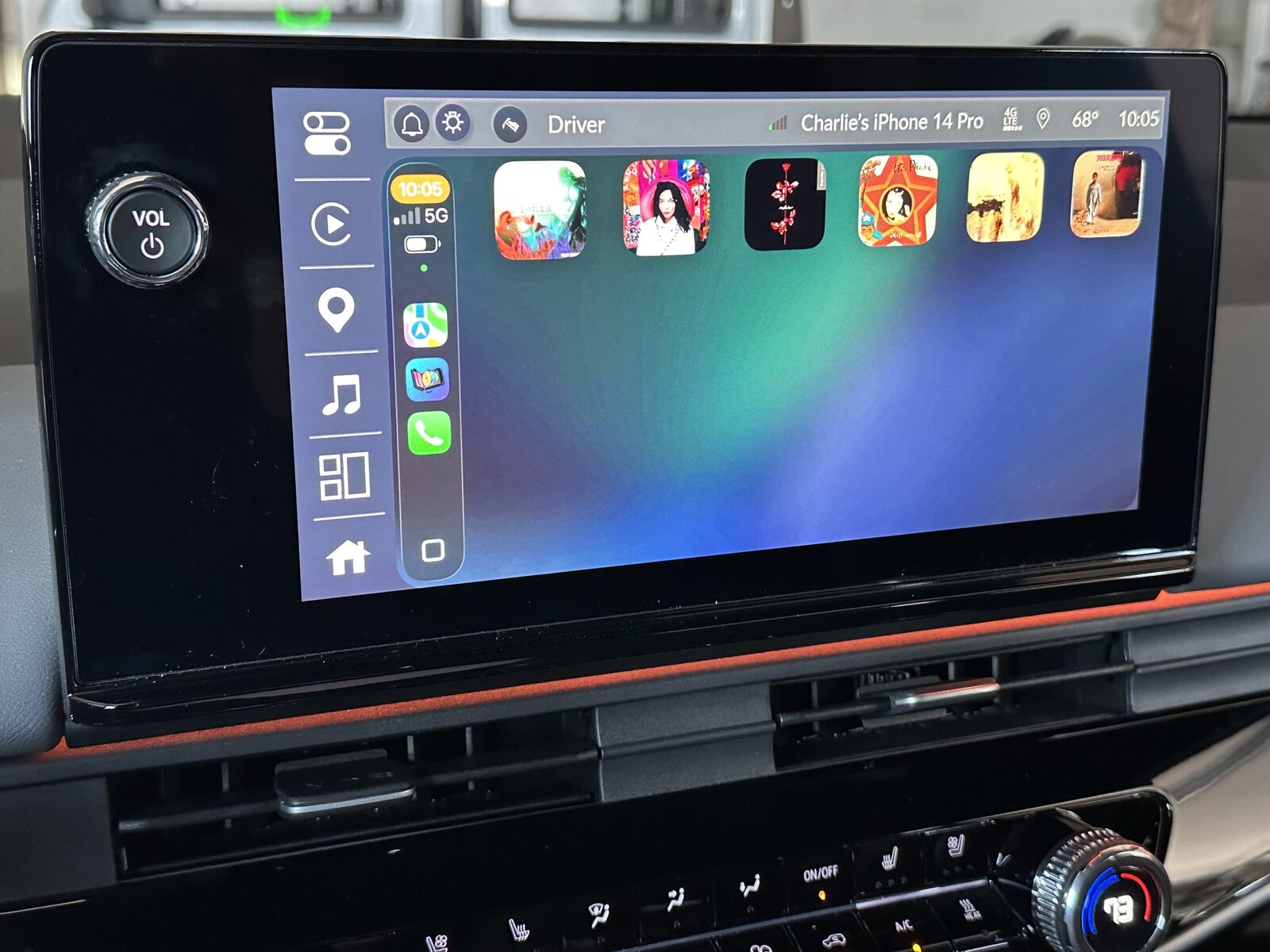
Remember the six-disc changer in the dash? Plug into CarPlay and CD Wally becomes exactly that. Your albums line up as a grid of covers, a glance and a tap instead of digging through a catalog at 65 miles an hour.

You don't want a wallet to flip through while you're driving. You want a changer. So in the car, that's what it becomes. Tap a cover and the album plays front to back, and when it ends the next disc starts on its own, like the changer rotating to the next slot.

CD Wally running on a car's CarPlay screen: six album covers laid out like a CD changer.
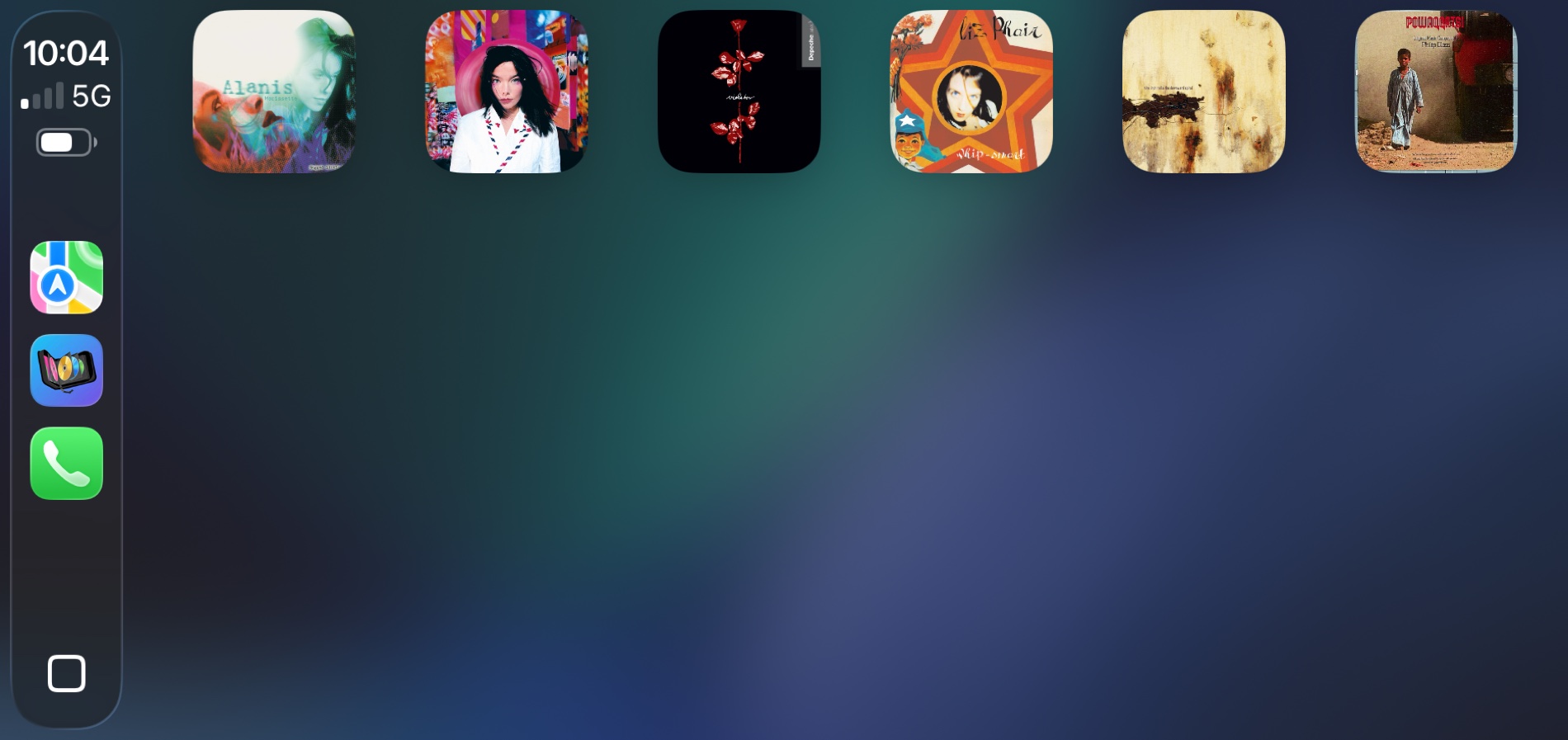
Six albums in the dash, made of the records you loaded.
Six album covers on the CarPlay screen with the grid mostly empty, room for more.
Start with six.
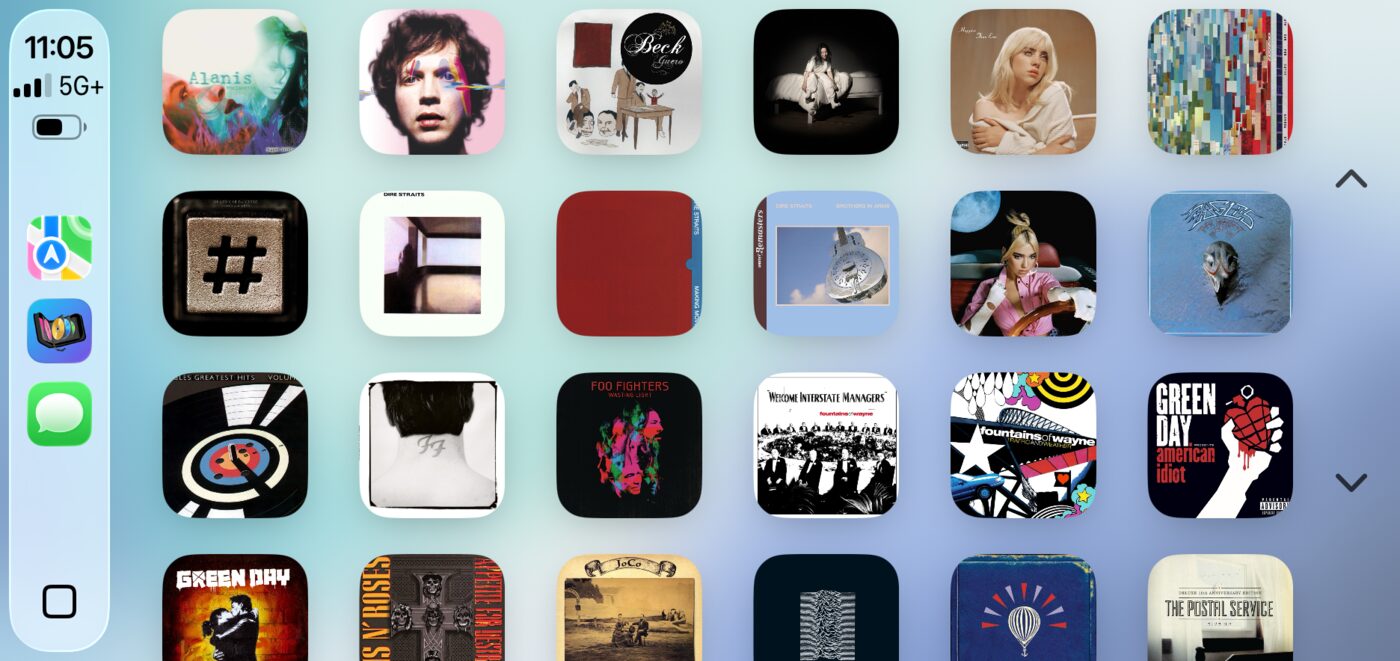
The CarPlay grid packed full of album covers, a loaded CD changer.
Or load the whole changer.

Everywhere else

The same wallet, every screen.

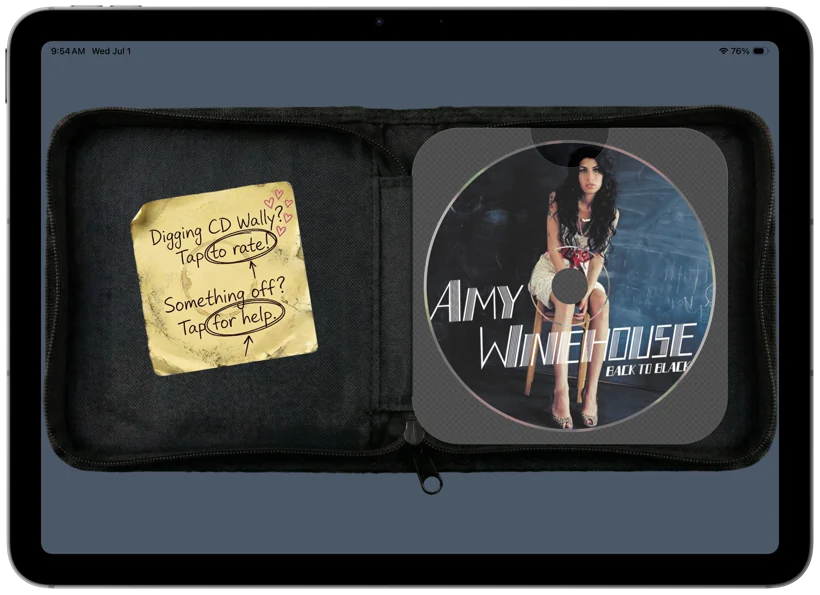
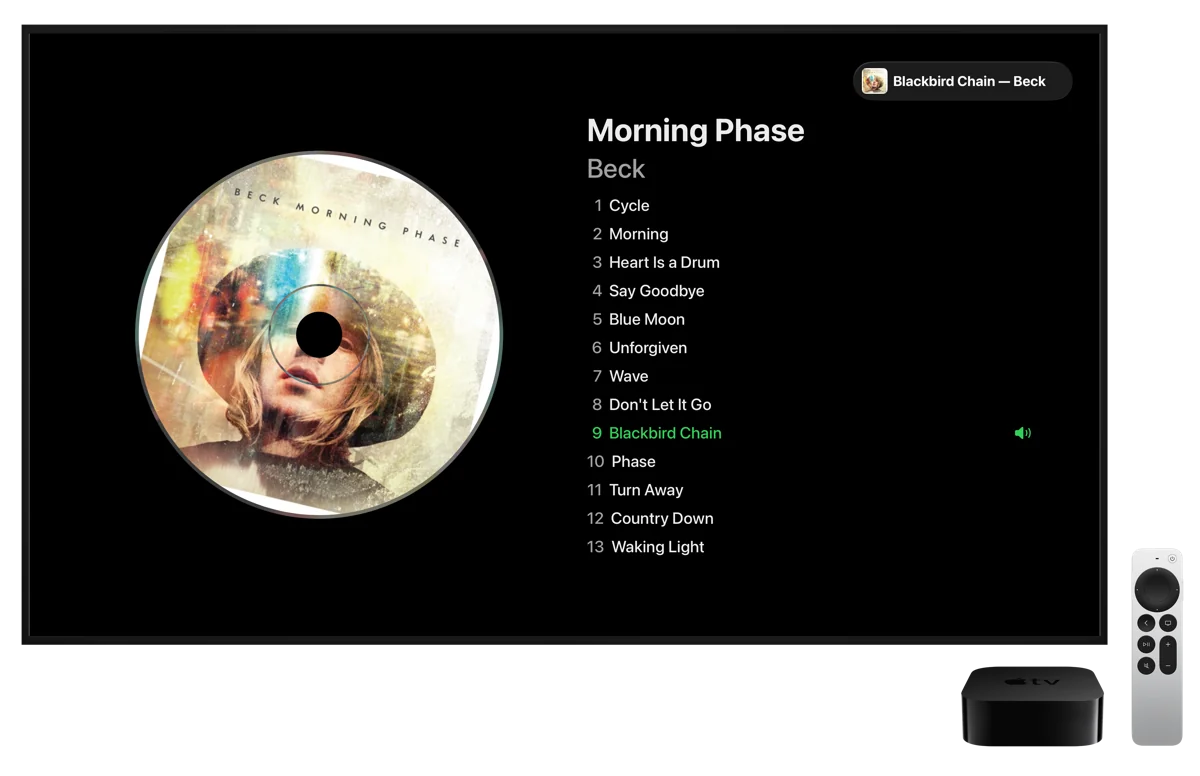
It follows you onto iPad, Mac, and Apple TV too, the same wallet you curated. Flip through it on the couch, and it plays front to back on the big screen.

The CD Wally wallet on an iPad: a spread of album discs in woven sleeves.
CD Wally Now Playing on an Apple TV: album art with the full track list.

Load as many as you want

The tiers are wallet sizes.

Remember when CD wallets came in sizes, the slim 24, the fat 48 that barely zipped shut? Same idea. Free is a real six-disc wallet, and six is how a lot of us actually lived. The empty slots just show you the bigger sizes exist, whenever you want them. One-time purchase, no subscription.